I build software, experiment with AI, and write about what I learn along the way, projects, dev rabbit holes, and whatever I’m currently obsessing over.
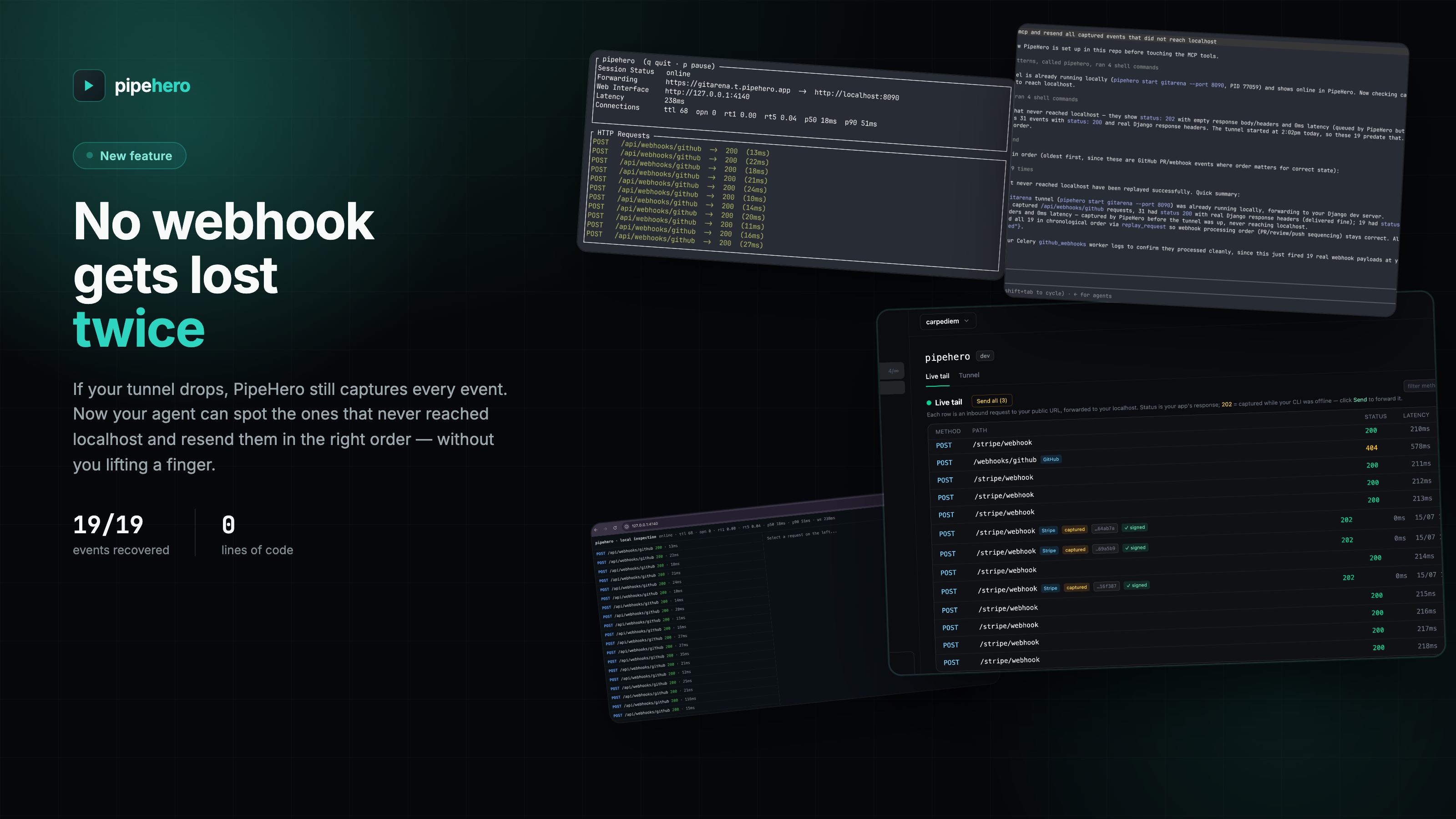
PipeHero: the webhook tool I built because I needed it
I’ve been building GitArena for a while now, and a good chunk of it lives and dies by webhooks. GitHub sends PR events, other services send their own, and all of it needs to land on my machine while I’m actually building the thing that reacts to it. That meant a tunnel to localhost was always running somewhere in a terminal I forgot about. The annoying part wasn’t the tunnel itself. It was everything around it: the URL rotates, so I go re-paste it into GitHub’s webhook settings. I want to see the payload that just came in, so I dig through a provider’s dashboard or add a print() I’ll forget to remove. I want to re-send the same event without waiting for GitHub to fire it again, and that’s not really an option unless I pay for it. Multiply that by every provider GitArena talks to, and it stops being a minor annoyance and starts being the thing that breaks my flow every time I sit down to work. ...
Teaching Claude about your codebase, once, for everyone
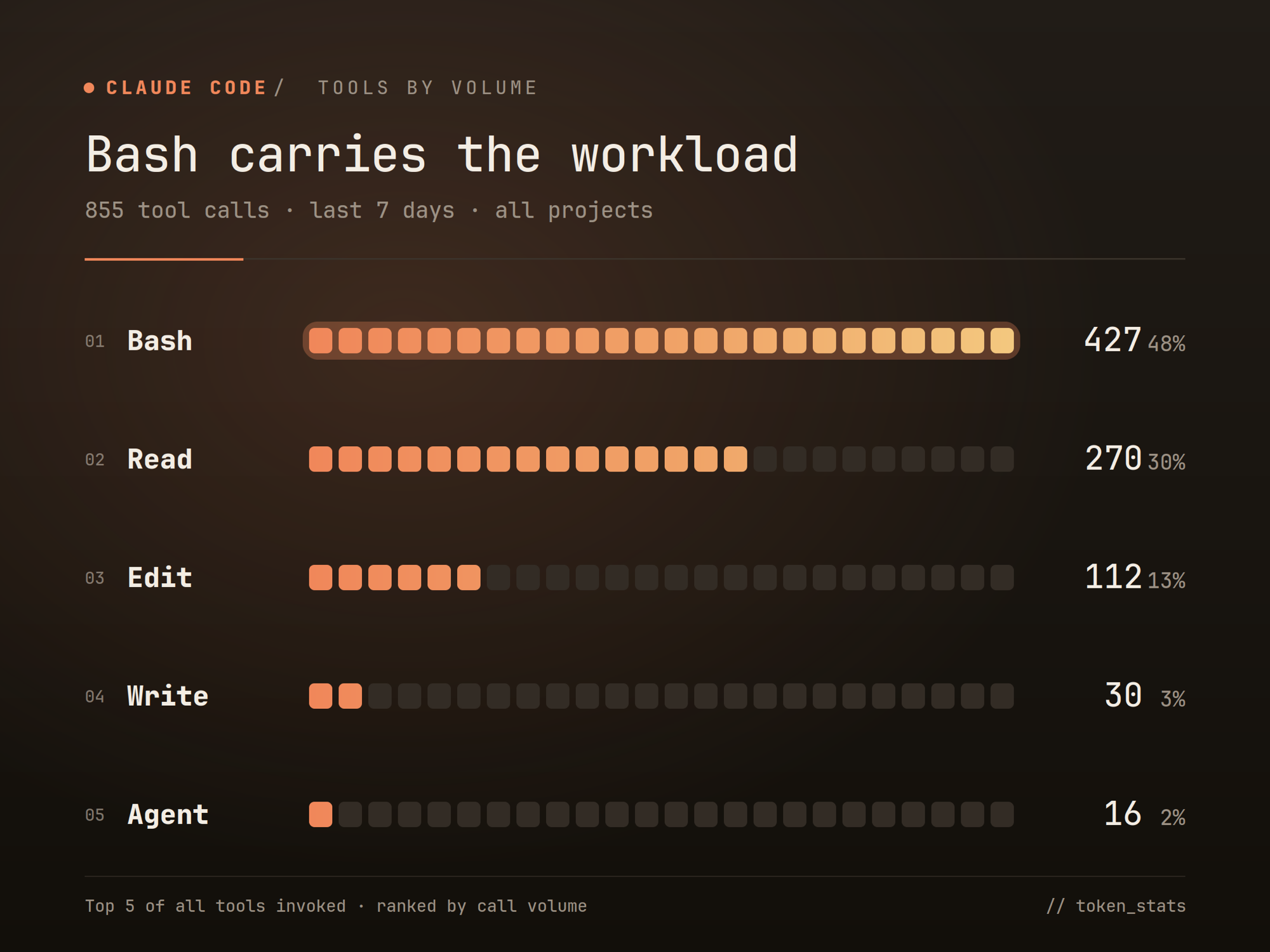
I’ve been building a CLI tool to monitor Claude Code usage: tokens consumed, costs per session, tool breakdown by volume. The cost numbers weren’t surprising. But the tool breakdown was. 1 2 3 4 5 6 7 Tools by volume (last 7 days, all projects) ------------------------------------------------ Bash ████████████████████ 427 (48%) Read █████████████ 270 (30%) Edit █████ 112 (13%) Write █ 30 ( 3%) Agent █ 16 ( 2%) 30% of all tool calls are Read operations. Not writing code, not running tests. Just Claude opening files to understand how the codebase is structured before it can help with anything. Context it builds up over the session and loses completely when the session ends. ...
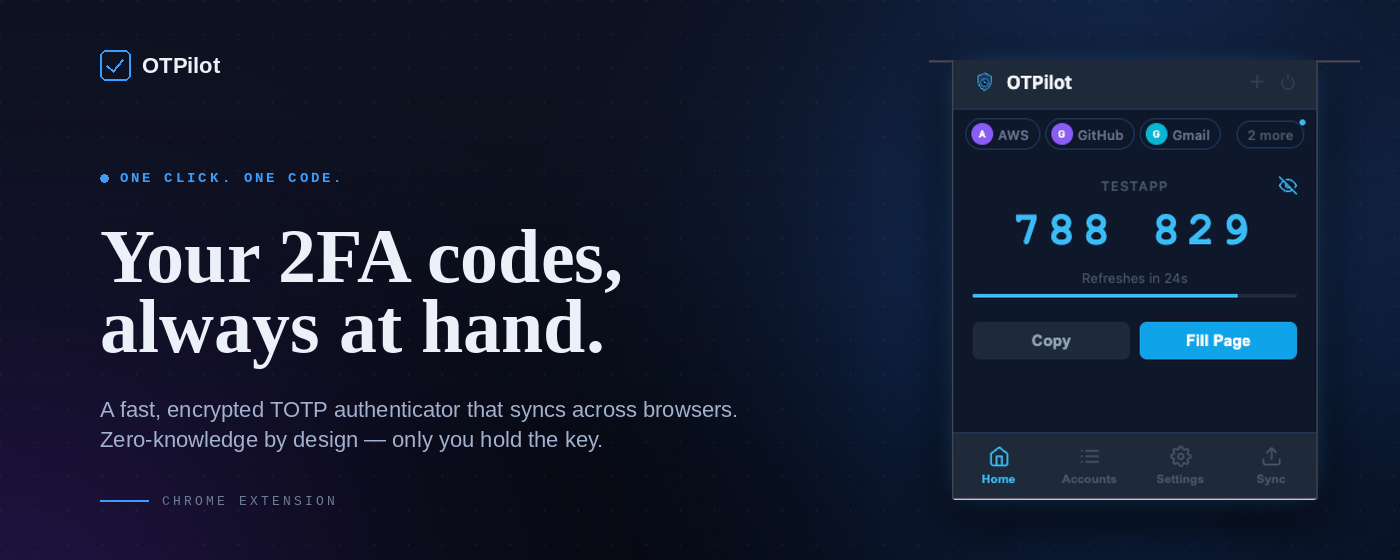
OTPilot v1.0.0: Cloud sync, devices, and a proper home
OTPilot started as a personal itch: auto-fill TOTP codes on login pages without touching the phone. It’s still that. But v1.0.0 adds the one feature a local extension can’t do alone: your accounts follow you everywhere. Cloud sync - encrypted, zero-knowledge The big one. Accounts are encrypted on your device before they leave it. The server stores a blob it can't read. Only you hold the key. A recovery key is generated on first setup; lose your password and that key is the only way back in. Sync is not a background afterthought. It’s merge-aware: if two browsers edited the same account simultaneously, both versions survive and one is marked (conflict) so you can decide. If you deleted an account on one device, it propagates to the rest. No ghost accounts reappearing on the next open. Each account carries a timestamp; when edits happen sequentially, the newest version wins cleanly. ...
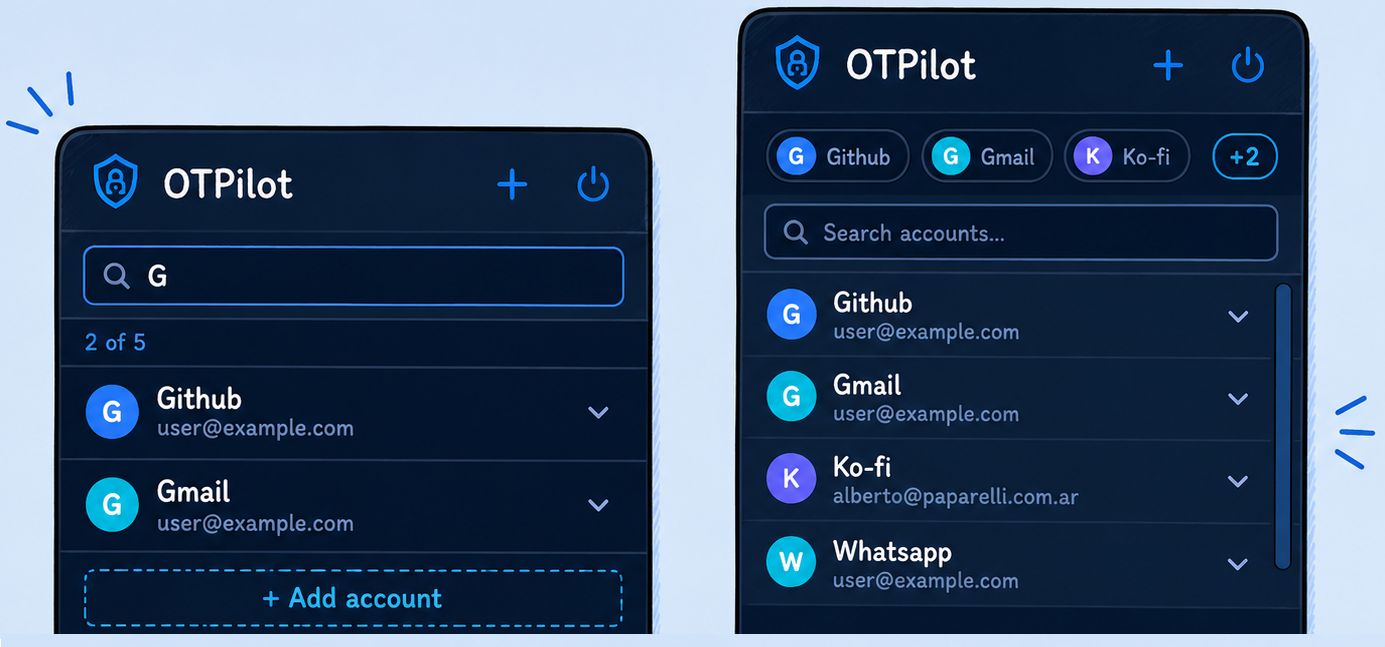
OTPilot v0.0.4 and v0.0.5: Accounts grew up, and it shows
When I launched OTPilot a few days ago, the promise was simple: a Chrome extension that auto-fills TOTP codes on login pages — no phone, no copy-paste. It worked. But it felt like a v0.0.1. After few packed releases, OTPilot is starting to feel like a finished product. v0.0.4 and v0.0.5 aren’t minor updates — they’re the kind of changes that turn a functional tool into something you actually enjoy using. ...
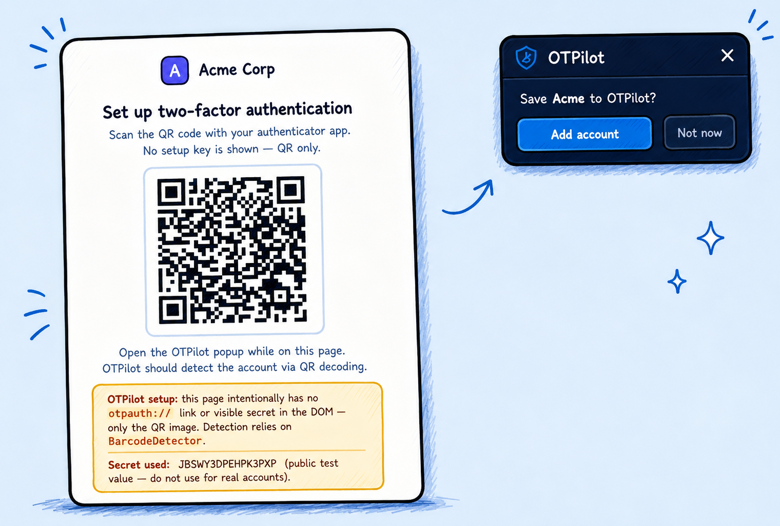
OTPilot update: you no longer need to know what a "TOTP secret" is
When I first shipped OTPilot, the setup required you to paste in your base32 TOTP secret manually. That’s fine if you’re a developer, but it’s a dealbreaker for everyone else. So I went back and rethought the onboarding from scratch — and the result changes what OTPilot actually is. The big new thing: automatic account detection When you enable 2FA on any site, that site generates a secret and usually shows you a QR code. Hidden in that QR code is a standard URI that looks like otpauth://totp/GitHub?secret=.... OTPilot now scans the page for that URI automatically — no QR scanning, no copy-pasting — and shows a floating card: “Save GitHub to OTPilot?” One click, done. ...