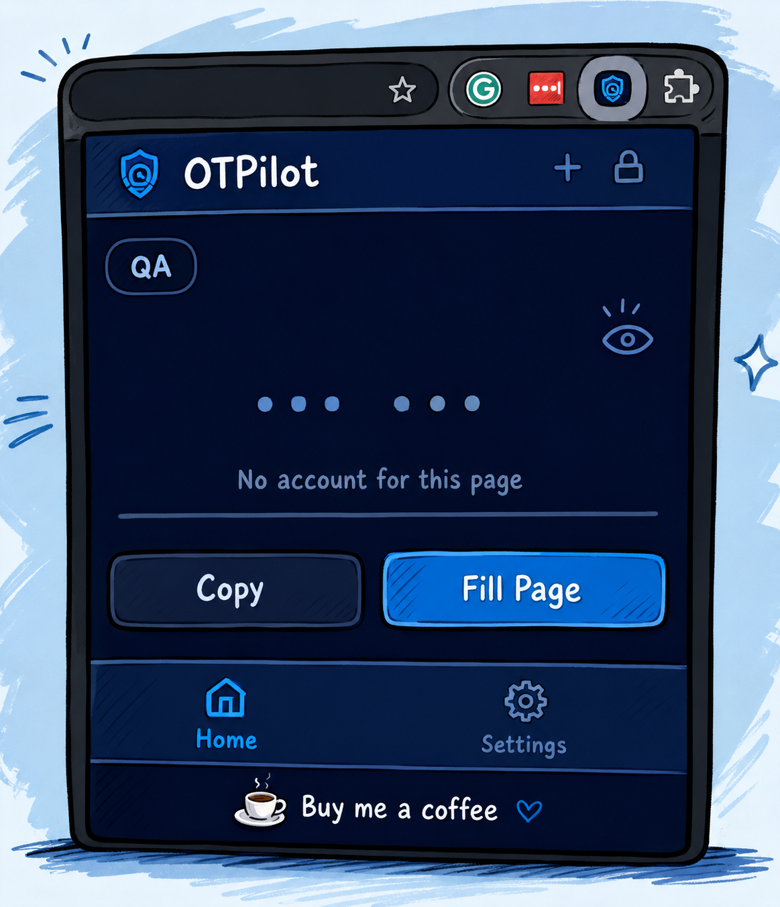
If you work in dev or QA, you probably know the pain: you’re in the middle of a flow, you hit a 2FA screen, you grab your phone, open the authenticator app, squint at the 6-digit code that’s about to expire, type it in, and then repeat the whole thing 10 times a day.
I got tired of it, so I built OTPilot.

What it does
OTPilot is a Chrome extension that auto-fills TOTP codes (the kind Google Authenticator generates) directly into the login page, eliminating the need for a phone. You configure which URLs it should watch, and it handles the rest: detects the field, fills the code, submits the form.
It also has a master password lock, so your secrets stay protected even if someone gets to your computer.
What’s inside
- Auto-fill + auto-submit on matching pages
- Multiple accounts, each mapped to specific URLs
- Master password with 24h / 30-day sessions
- Encrypted backup export/import (AES-GCM, PBKDF2)
- No telemetry, no servers, no dependencies — just plain JS and Web Crypto
It’s free and open source
The extension is free. If it saves you time and you feel like buying me a coffee, that means a lot and helps me keep building things like this.