PipeHero: the webhook tool I built because I needed it
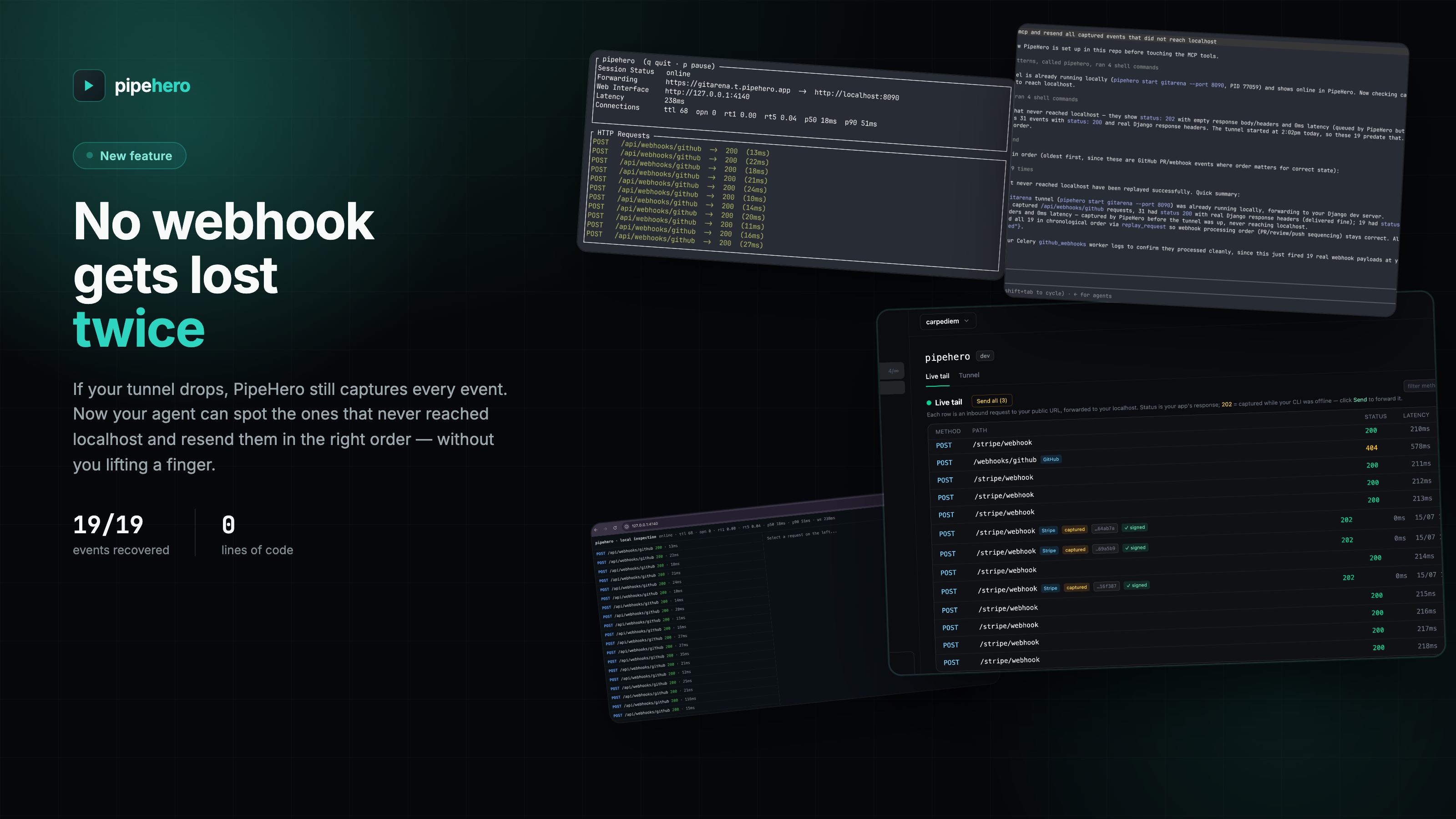
I’ve been building GitArena for a while now, and a good chunk of it lives and dies by webhooks. GitHub sends PR events, other services send their own, and all of it needs to land on my machine while I’m actually building the thing that reacts to it. That meant a tunnel to localhost was always running somewhere in a terminal I forgot about. The annoying part wasn’t the tunnel itself. It was everything around it: the URL rotates, so I go re-paste it into GitHub’s webhook settings. I want to see the payload that just came in, so I dig through a provider’s dashboard or add a print() I’ll forget to remove. I want to re-send the same event without waiting for GitHub to fire it again, and that’s not really an option unless I pay for it. Multiply that by every provider GitArena talks to, and it stops being a minor annoyance and starts being the thing that breaks my flow every time I sit down to work. ...