OTPilot v1.0.0: Cloud sync, devices, and a proper home
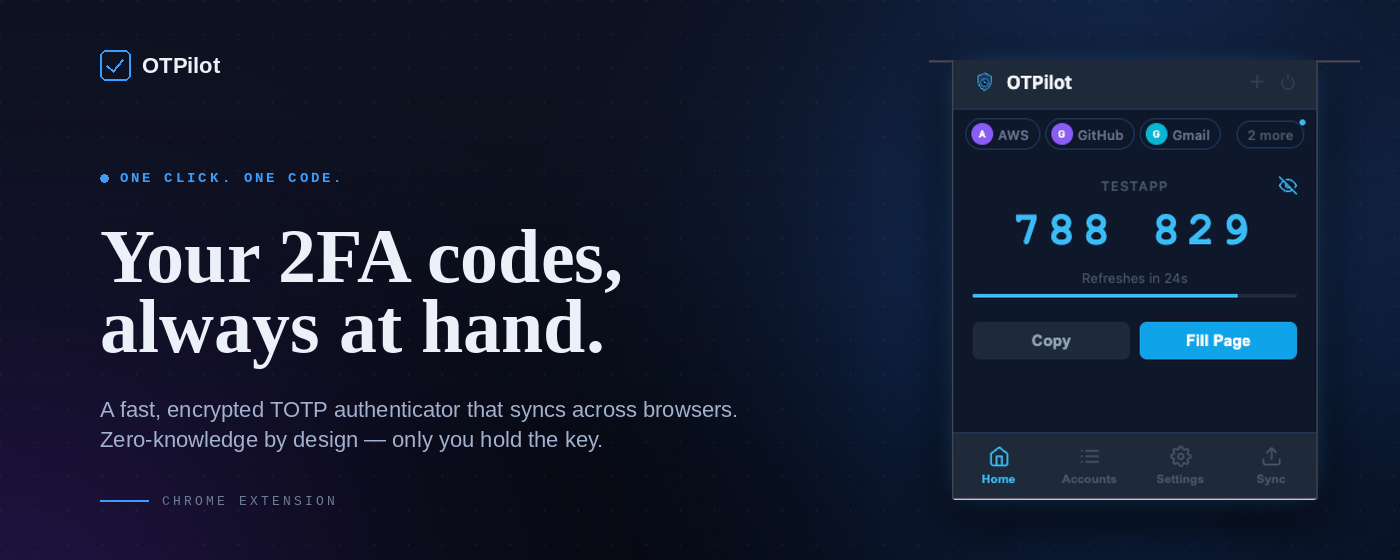
OTPilot started as a personal itch: auto-fill TOTP codes on login pages without touching the phone. It’s still that. But v1.0.0 adds the one feature a local extension can’t do alone: your accounts follow you everywhere. Cloud sync - encrypted, zero-knowledge The big one. Accounts are encrypted on your device before they leave it. The server stores a blob it can't read. Only you hold the key. A recovery key is generated on first setup; lose your password and that key is the only way back in. Sync is not a background afterthought. It’s merge-aware: if two browsers edited the same account simultaneously, both versions survive and one is marked (conflict) so you can decide. If you deleted an account on one device, it propagates to the rest. No ghost accounts reappearing on the next open. Each account carries a timestamp; when edits happen sequentially, the newest version wins cleanly. ...